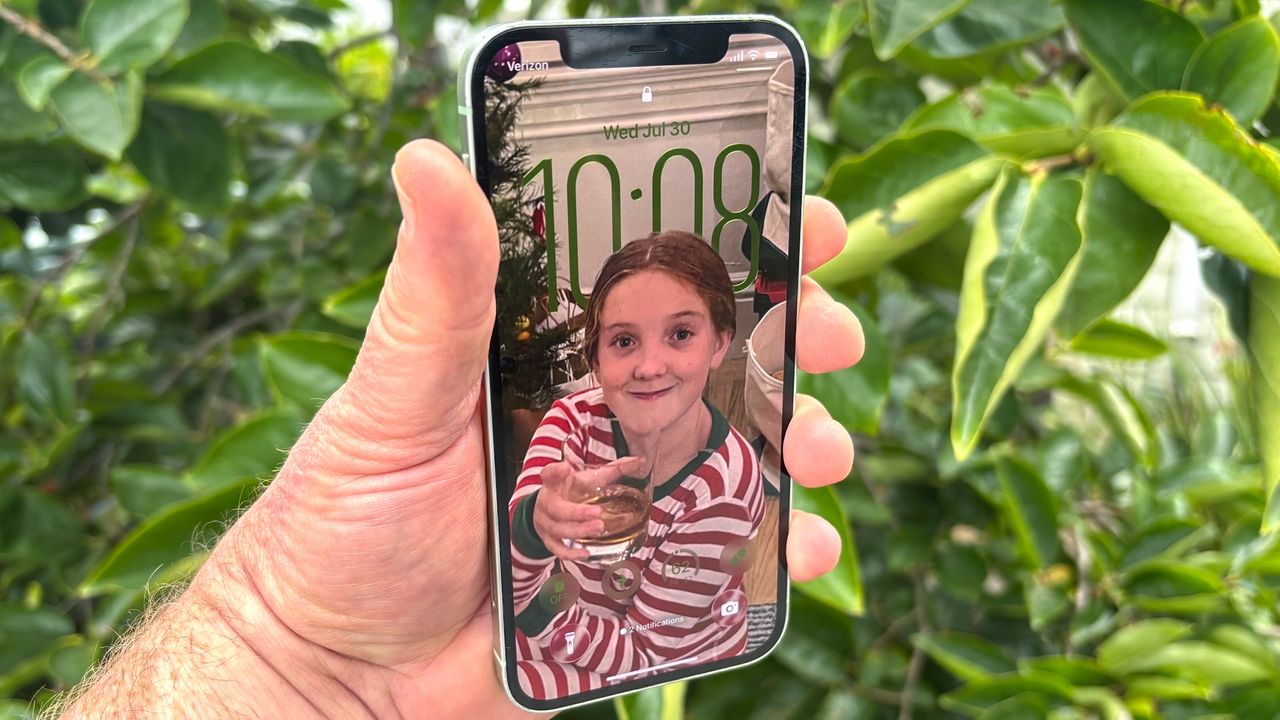
Apple has introduced an update to its iPhone software, enhancing the customization options for the lock screen. The new feature, available in the iOS 26.2 update, includes a transparency slider that allows users to adjust the visibility of the clock on their lock screens. This update follows the earlier release of the Liquid Glass interface, which has received mixed reviews from users.
The new transparency slider addresses concerns from users who found it challenging to see the clock against certain backgrounds. The iOS 26 update initially integrated Liquid Glass elements, but some users reported difficulties in viewing the clock due to the design’s glossy effects. With the introduction of the third slider, users can now modify the clock’s appearance in real-time, making it more transparent and visually appealing.
When customizing the lock screen, users can press and hold their current screen to access the customization menu. This allows them to either adjust their existing design or create a new one by selecting a wallpaper from the gallery, which includes personal photos and Apple’s provided options. The iOS 26.2 update also lets users choose the font and color of the clock, thus enhancing the overall aesthetic.
The screenshot comparison between the original iOS 26 lock screen and one from the iOS 26.2 update illustrates the impact of the new transparency feature. Users can observe how adjusting the slider makes the clock blend seamlessly with the background, enhancing personalization and style.
To further refine their lock screens, users can explore additional features. The new settings allow for adjustments in the size and color of the clock, with options for solid or glass styles. Additionally, users can add widgets to their lock screen for quick access to essential functions, such as alarms and medication reminders.
For those who have not yet explored the customization options, here are the steps to create a personalized lock screen:
1. **Access the Customization Menu**: Hold down on the current lock screen and tap “Customize” or hit the plus (+) button to create a new one.
2. **Select a Wallpaper**: Choose from a range of available wallpapers or use personal images.
3. **Adjust Clock Appearance**: Tap on the clock to open options for font, color, size, and, with the new update, transparency.
4. **Modify the Wallpaper**: Users can apply spatial photo effects or stretch the wallpaper to fit the screen appropriately.
5. **Incorporate Widgets**: Tap the date or “Add Widgets” section to include various interactive features.
6. **Rearrange Control Center Shortcuts**: Personalize shortcuts by removing default options and selecting preferred functions.
7. **Pair with a Home Screen**: After customization, users can link the lock screen design with their home screen wallpaper.
These enhancements reflect Apple’s ongoing commitment to user experience, allowing for greater personalization. The transparency slider is a particularly notable addition, enabling users to tailor their iPhone’s appearance to their liking.
As Apple continues to innovate, users can expect further updates, including more wallpaper options in future releases. The advancements in iOS 26.2 demonstrate how Apple listens to user feedback, striving to enhance both functionality and aesthetic appeal across its devices. For more information on iOS features, resources like Tom’s Guide offer comprehensive insights and updates on the latest technology trends.