








































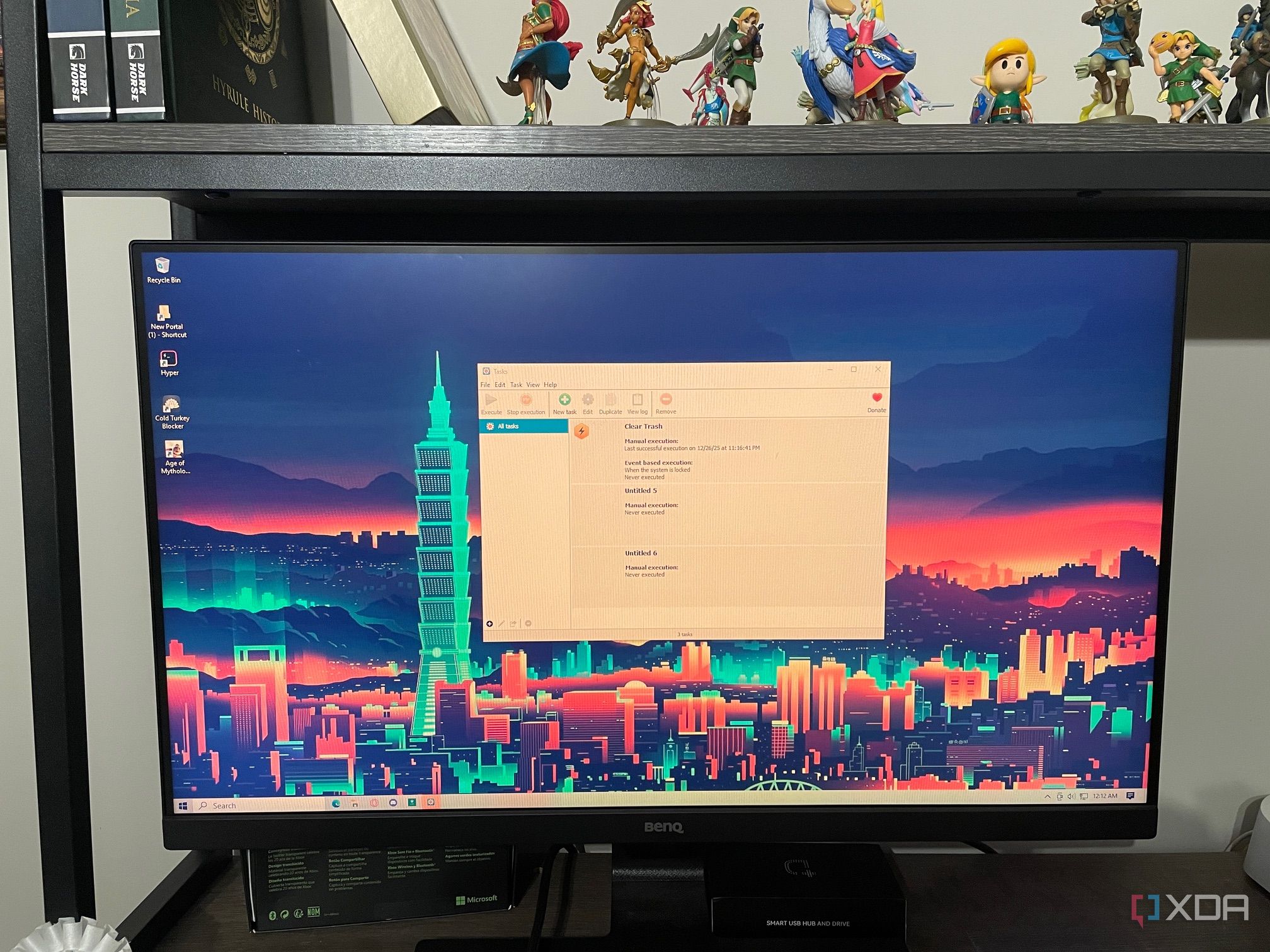
The transition from Windows Task Scheduler to an alternative software has become a common consideration for users seeking reliability and ease of use. Recently, one user made the switch to Task Till Dawn, citing frequent frustrations with Windows Task Scheduler’s performance. While the latter is known for its powerful capabilities, it often fails to execute scheduled tasks reliably and can be cumbersome due to various permission issues.
In searching for a solution, the user prioritized finding a tool that was not only reliable but also free and user-friendly. After exploring various options, they settled on Task Till Dawn. Although the application has not been updated since March 2019, its functionality aligns well with the user’s needs, proving to be a sufficient alternative for day-to-day task scheduling.
Visual Scheduling with Task Till Dawn
One significant advantage of Task Till Dawn is its visual scheduling interface. Unlike Windows Task Scheduler, which is heavily text-based and can be daunting for less experienced users, Task Till Dawn employs a drag-and-drop method for setting up tasks. This design simplifies the process, though it still requires a basic understanding of how each action operates. Unfortunately, the lack of comprehensive documentation poses challenges, as the software’s website resembles a personal blog more than a detailed user guide.
A notable feature of Task Till Dawn is its array of triggers, which allow users to automate tasks based on specific events. For instance, tasks can be set to run automatically when a USB drive is connected. This functionality is particularly beneficial for users managing media libraries, as it enables automated scanning for new content without manual intervention.
Cross-Platform Compatibility
Task Till Dawn also offers cross-platform capabilities, functioning on both Windows and macOS. Although the macOS version has seen fewer downloads—less than 10,000—it provides a consistent user experience across operating systems. This versatility is appealing for users who have diverse computing environments and want to streamline their workflow across devices.
Additionally, for IT professionals, Task Till Dawn provides a portable version that can be run from a USB stick. This feature enhances accessibility and convenience, making it easier to implement task scheduling on various machines without requiring installation.
Despite these advantages, the user acknowledges that Windows Task Scheduler still holds certain benefits. Notably, it can execute commands upon startup, even when the computer is off, and does not rely on third-party software like the Java Runtime Environment, which Task Till Dawn requires. Furthermore, Windows Task Scheduler is integrated into all Windows machines, ensuring consistent updates and support.
For now, Task Till Dawn meets the user’s needs for simpler scheduling tasks. They appreciate its user-friendly interface but recognize that its shortcomings may become more pronounced as time passes without updates. As they operate on Windows 10, they are also aware that the upcoming Windows 11 version of Task Scheduler may introduce features that could sway their preference back to the native option.
In conclusion, while both task scheduling tools have their unique strengths and weaknesses, the user finds Task Till Dawn to be the more intuitive choice for their current needs. Until more complex scheduling becomes necessary, they are inclined to choose the simpler, less confusing option that aligns with their workflow.
























