








































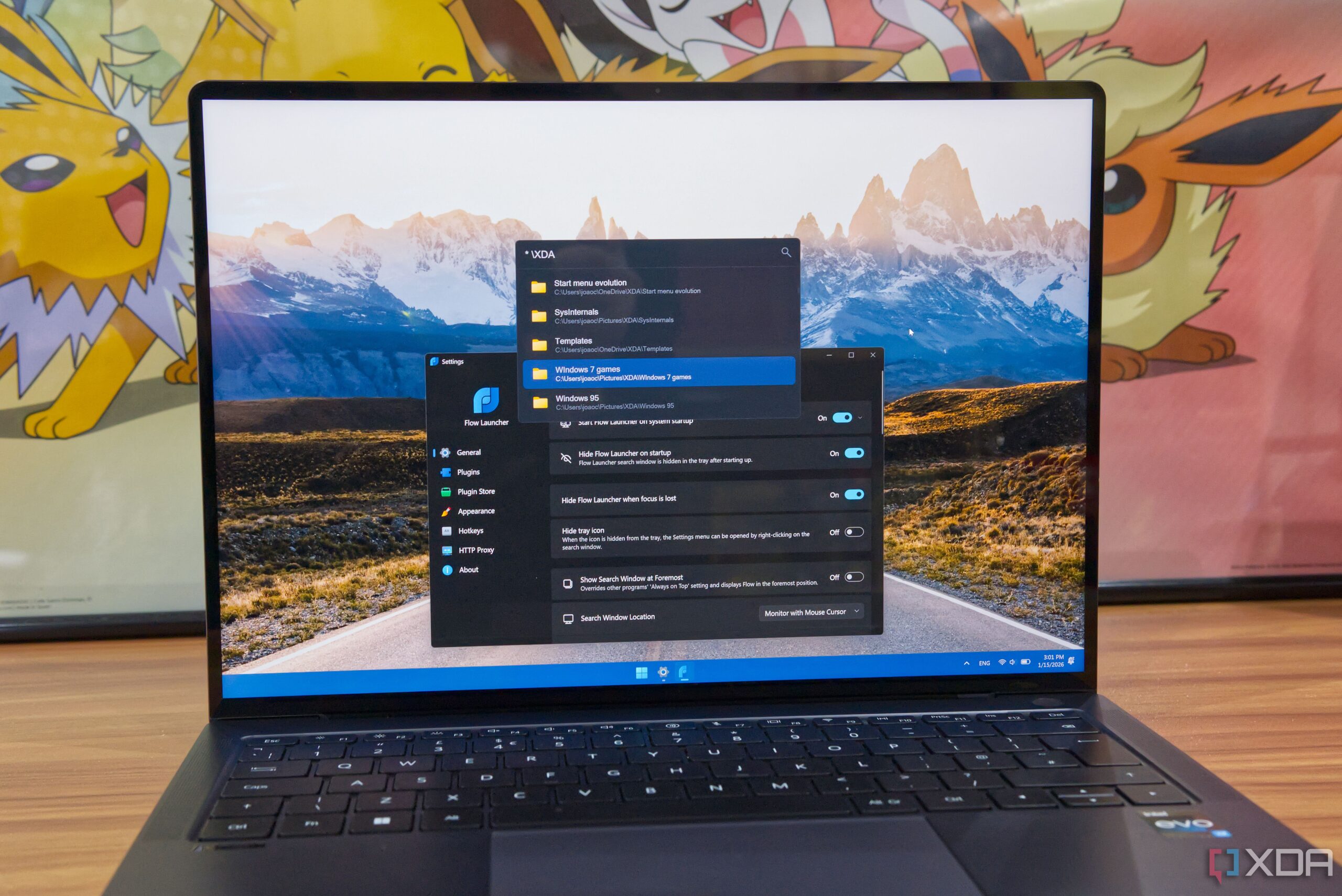
The introduction of innovative software solutions is reshaping how users interact with their operating systems. Flow Launcher, a keyboard-based application launcher, has emerged as a compelling alternative to the traditional Windows Start menu. Users have reported significant improvements in their workflow efficiency and overall experience since adopting this tool.
Enhanced Speed and Efficiency
For many, the Windows Start menu serves as the primary method for launching applications. While adequate for basic tasks, it often requires multiple clicks and can slow down productivity. Upon using Flow Launcher, many users, including myself, have found that the speed of accessing applications improves dramatically. Instead of waiting for the Start menu to load, users can simply press a keyboard shortcut to summon Flow Launcher and begin typing immediately. The results appear almost instantaneously, minimizing the delays that typically accompany traditional methods.
This immediate access is complemented by Flow Launcher’s ability to search for files quickly. Although the Start menu also includes file search capabilities, its effectiveness is often questioned. Flow Launcher includes a built-in extension specifically for file searches, utilizing the Windows search indexer for efficiency. For even faster results, users can link Flow Launcher with the Everything application, a powerful file search tool that can index a computer’s entire storage in seconds.
Customizable Features and Extensions
Replacing the basic functionality of the Start menu is just the beginning for Flow Launcher. The platform boasts a rich ecosystem of plugins that expand its capabilities beyond mere app launching. Users can customize their experience to suit individual needs, with options ranging from YouTube video searches to unit converters and display adjustments.
One particularly useful extension is the Quick Uninstaller, which streamlines the process of removing unwanted applications. Additionally, the platform supports quirky plugins that can interface with smart home systems or even provide information about Pokémon, catering to a diverse range of user interests.
The active community surrounding Flow Launcher continually contributes to its development, ensuring a steady influx of new extensions and features. This collaborative effort enhances the platform’s versatility and user engagement.
Competition and Market Position
Despite Flow Launcher’s strengths, it faces competition from other applications, notably Raycast, which launched its beta version for Windows last year. Originating from a successful base on macOS, Raycast offers a broader range of extensions and maintains similar speed advantages. While some users may prefer Raycast, Flow Launcher retains an edge due to its open-source nature.
Unlike Raycast, which is proprietary, Flow Launcher allows users to view and modify the source code via GitHub. Its transparency fosters a sense of community and trust among users. Additionally, Raycast offers generative AI features at a subscription cost, whereas Flow Launcher remains free from such monetization strategies, appealing to those wary of AI integration.
Ultimately, whether users lean towards Raycast or stick with Flow Launcher, the latter has undoubtedly set a high standard for application launchers. My initial exploration of Flow Launcher began as a simple experiment, but it evolved into a necessary tool for my daily computing tasks. Its robust features and user-friendly design have made it indispensable across various operating systems.
For Windows users seeking to enhance their digital experience, Flow Launcher presents a compelling option worth exploring. With its blend of speed, efficiency, and customizable extensions, it is more than just a replacement for the Start menu; it is a powerful productivity tool that can transform how users interact with their computers.