






































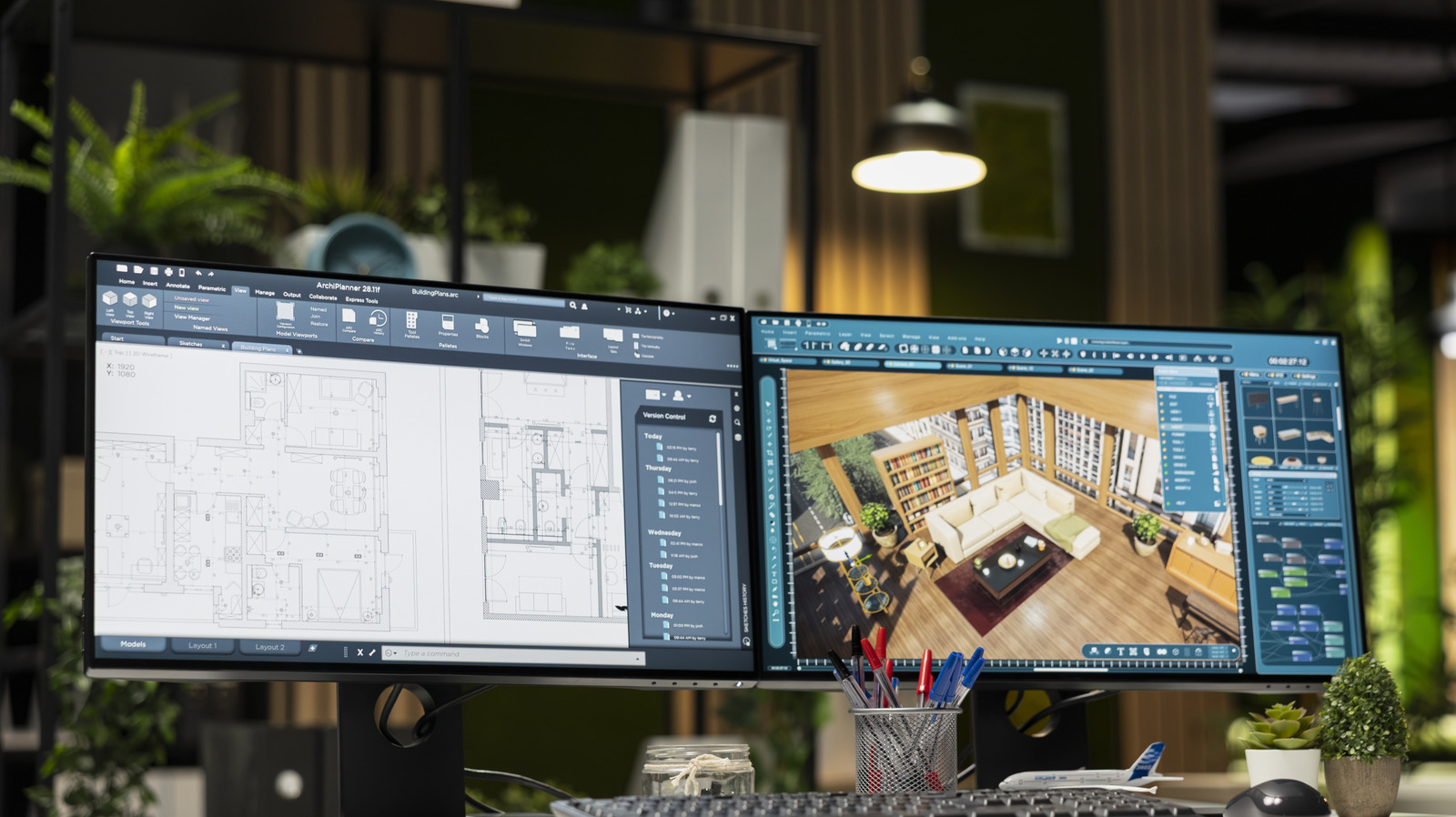
The use of dual monitors has become standard practice for enhancing productivity, yet many users still struggle with configuration issues. Despite the widespread adoption of multiple displays across various operating systems, users may encounter several common problems that can hinder their multitasking efficiency. Understanding these potential pitfalls can help users optimize their setups for a smoother experience.
Common Configuration Issues
One of the most frequent problems users face is that only one monitor works. This often occurs when the second monitor is inadvertently connected to the motherboard’s HDMI port rather than the dedicated graphics card. Users should ensure that the monitor is connected to the appropriate port, as integrated graphics may not be enabled when a dedicated GPU is present. Additionally, if using a USB-C adapter, it is crucial to verify that the port supports DisplayPort “Alt” mode, as not all USB-C ports are equipped for video output.
Once connected, users might find that their display arrangement does not match the physical setup. Most operating systems can misinterpret the orientation of multiple monitors, leading to confusion when dragging windows. Users should access their display settings to arrange the monitor icons to reflect their actual positions, ensuring a seamless transition between screens. It’s also important to confirm that all monitors are set to the desired resolution, as differences in resolution can affect the perceived size and layout on the desktop.
Another common issue is the noticeable lag experienced on one monitor compared to another. This often stems from discrepancies in refresh rates. For example, if one monitor operates at 120Hz while another is limited to 60Hz, the user may find switching between screens disorienting. To mitigate this, users can adjust the refresh rates within the display settings to match the highest supported rate of both monitors, creating a more consistent experience.
Performance and Aesthetics
In addition to technical issues, users may find that their monitors are not connected to the same graphics processing unit (GPU). If multiple GPUs are active, each may drive its own set of displays. While this can be advantageous for resource management, it may also lead to performance issues, particularly in graphics-intensive applications such as gaming. To optimize performance, users should ensure that their primary monitor is connected to the GPU handling the demanding tasks.
User Interface (UI) scaling is another aspect that can create discomfort. Different monitors with varying resolutions can lead to inconsistencies in the size of text and icons. Operating systems typically offer built-in scaling options, but users may need to adjust these settings manually for an optimal experience. In Windows, users can navigate to System > Display to customize scaling percentages between 100% and 500%, ensuring a uniform appearance across screens.
Color calibration is also essential for a visually cohesive setup. Monitors manufactured even a short time apart may still present differences in brightness, contrast, and color accuracy. Users can utilize calibration tools or built-in wizards to align their monitors, creating a more comfortable viewing experience. While professional calibration tools can be costly, the built-in options in operating systems are often sufficient for most users.
Adding a second monitor can sometimes impact gaming performance. Benchmarks show that running additional applications on a secondary screen can reduce frame rates and introduce stutter. Gamers should experiment with disabling the second monitor while gaming to assess the difference. If performance improves, they might consider connecting the additional monitor to a secondary GPU if available.
Lastly, users may encounter issues with their mouse pointer getting stuck when transitioning between monitors. This often occurs when the virtual arrangement of the displays does not match their physical layout. Correcting this requires adjusting the monitor arrangements in the display settings to minimize confusion when moving the pointer. Users may also consider customizing the arrangement to suit their workflow preferences.
Addressing these common issues can significantly enhance the user experience with dual monitors. While modern operating systems have made multi-monitor setups more accessible, users must remain vigilant about configuration challenges. With a few adjustments and calibrations, users can optimize their dual monitor setups and maximize their efficiency in both professional and personal tasks.