








































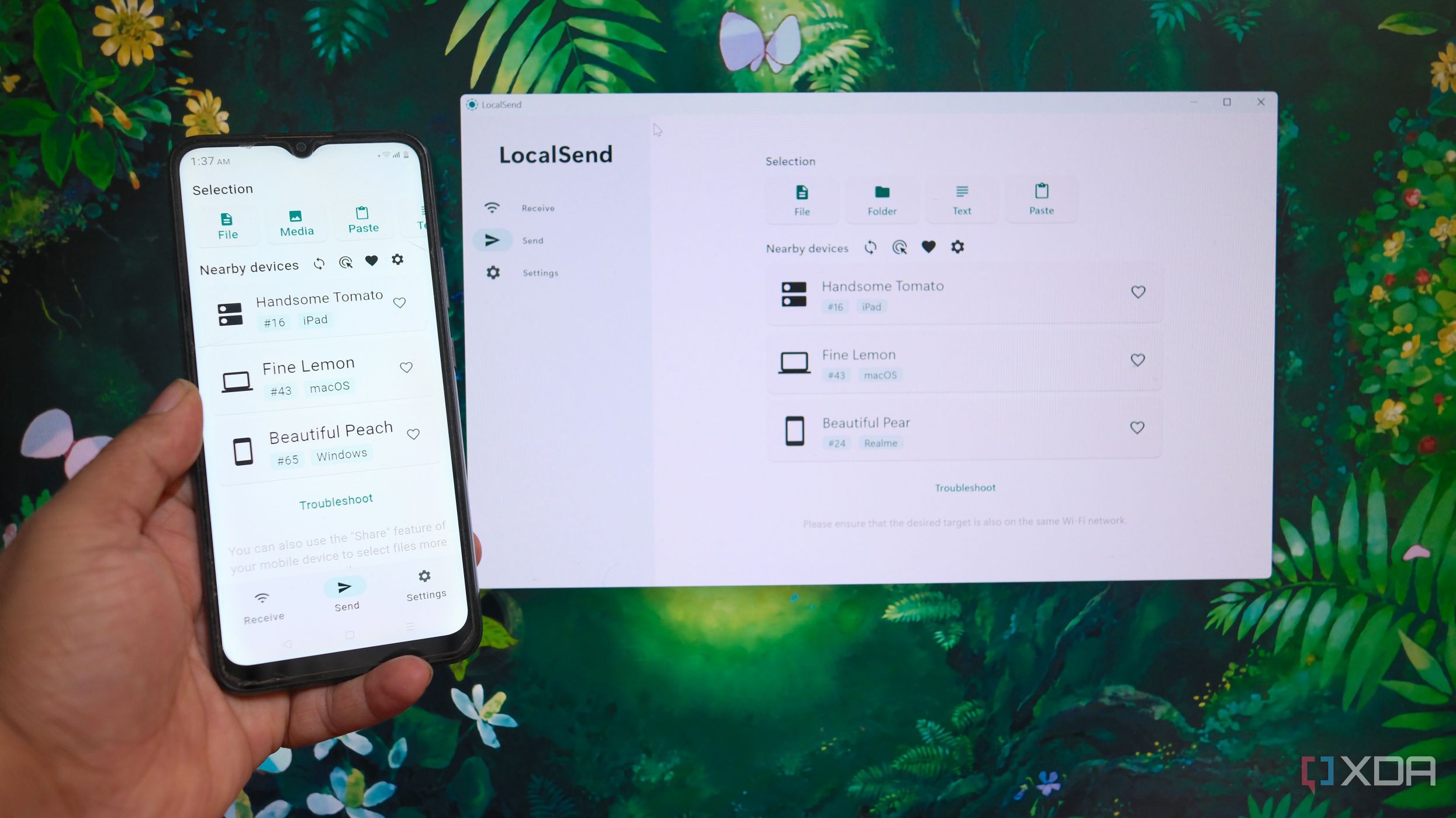
UPDATE: LocalSend has emerged as a game-changing alternative to Apple’s AirDrop, enabling seamless file sharing across multiple devices, including Windows and Android. This announcement is particularly significant for users with mixed-device environments who have long struggled with AirDrop’s limitations.
LocalSend is revolutionizing file sharing right now by offering a solution that does not depend on cloud services or require user accounts. Users can share files offline and without the hassle of syncing or relying on email, making it a standout choice for anyone frustrated with traditional methods.
The growing reliance on LocalSend comes as many users, like those in the tech community at XDA, are seeking user-friendly alternatives that function across different operating systems. Today, a diverse range of devices is common in homes—Windows PCs, Android phones, and various Apple products like the iPhone, iPad, and MacBook. LocalSend’s compatibility with all these devices is a game-changer.
AirDrop offers a smooth experience for Apple users, but its exclusive compatibility with Apple devices poses a significant drawback. Many users find themselves resorting to outdated methods like emailing files to themselves when needing to share between different systems. LocalSend addresses this issue directly, enabling users to send and receive files without needing to sign in or deal with third-party servers.
LocalSend operates as a free, open-source application that users can easily install on their devices. It functions on a local network, allowing users to discover other devices running LocalSend and share files instantly. The setup is straightforward: once installed, users can select a file, choose a target device, and confirm the transfer—no pairing necessary.
Why LocalSend is Taking Over
LocalSend has significantly reduced friction for users managing a variety of devices. The application allows for smooth transfers between devices, regardless of their operating system. As long as all devices have LocalSend, sending documents from an iPhone to a Windows PC is seamless. The absence of Apple account requirements, unlike AirDrop, makes LocalSend even more appealing.
The application not only supports file sharing but also enables the transfer of entire folders and text. For added security, users can establish a PIN for receiving files, ensuring their safety against unwanted transfers. Additionally, LocalSend’s web version provides a hassle-free experience, allowing users to send files without having to install an app.
However, it is important to note that LocalSend operates only within the same local network. Users cannot send files remotely or over VPN services like Tailscale without additional configurations. For those who need to share files outside their home network, Tailscale’s Taildrop remains a viable alternative.
In contrast to AirDrop’s flawless integration within Apple’s ecosystem, LocalSend’s versatility makes it an essential tool for users with diverse devices. The growing popularity of LocalSend is a clear indicator of the demand for inclusive file-sharing solutions that cater to a multi-platform world.
As more users discover LocalSend, its ability to provide quick, efficient local file sharing without the constraints of operating system compatibility is undeniable. If you are navigating a mixed-device setup, now is the time to try LocalSend and experience the difference for yourself.
For immediate updates and further developments, stay tuned as LocalSend continues to redefine how we share files across technology platforms.