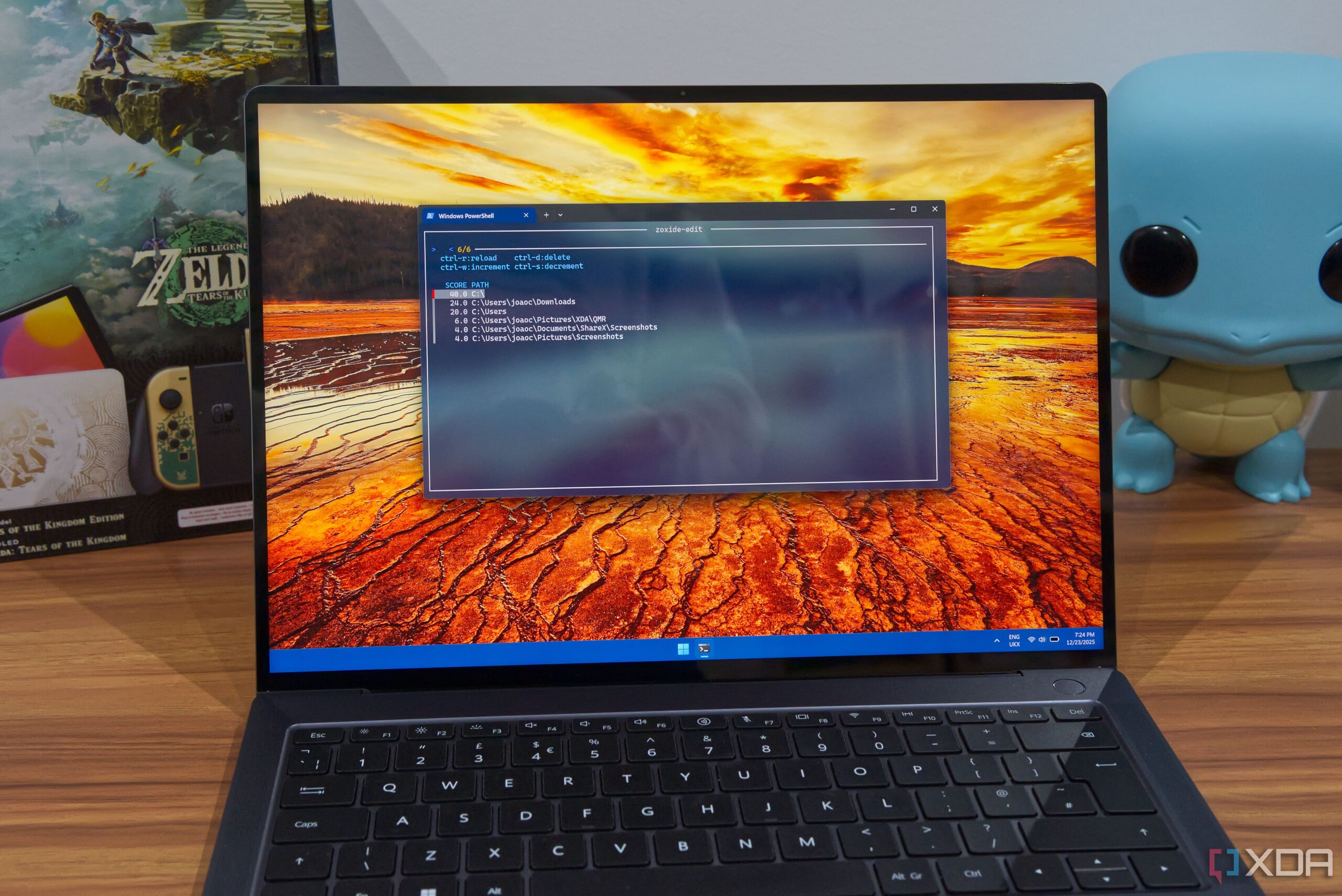
Zoxide, a new file management tool, is transforming how users navigate their files across Windows, macOS, and Linux. This innovative solution simplifies the often tedious task of navigating directories by allowing users to quickly access frequently used folders without the hassle of typing lengthy paths. The tool is free to use and integrates smoothly with various terminal environments.
Streamlining Directory Navigation
The traditional command-line method for changing directories can be cumbersome. Users typically rely on the cd command, which requires them to remember full paths to access their files. With Zoxide, those days are over. Once installed, users can utilize the z command, which remembers folders visited and ranks them based on usage frequency. This means that users can access their Downloads folder simply by typing part of its name, significantly speeding up the navigation process.
Installation is straightforward. On Windows, users can download Zoxide via winget, while macOS users have options like Homebrew or Crates.io. Various Linux package managers, including APT and DNF, also support Zoxide, ensuring broad compatibility. Detailed installation instructions are available on the project’s GitHub page.
Enhanced Functionality with fzf
For users seeking an even more powerful experience, integrating Zoxide with the tool fzf can enhance its functionality. Although fzf is optional, it enables users to manually update their directory database using the zoxide edit command, allowing for better organization of folders. This integration allows users to prioritize or delete specific entries, tailoring their experience to their workflow.
Furthermore, for those who often encounter folders with similar names, fzf simplifies the selection process. Users can enter the z command followed by the folder name and press Space and then Tab to see an interactive list of matching directories—an efficient method that works with bash (version 4.4 or newer), fish, and zsh.
Additionally, Zoxide’s compatibility with other tools enhances its usability. For example, it integrates with terminal-based file managers like Felix, and most notably, it works seamlessly with Raycast. This integration allows users to access their frequently used folders without needing to open a terminal window. With a simple hotkey, users can launch Raycast and search for their desired folder, leading to an immediate transition to their file manager.
Although the Raycast integration is not yet available for Windows, users on Linux can benefit from the integration through the Vicinae platform, which supports the macOS version of the plugin. Both Zoxide and fzf must be installed for this feature to function effectively.
In essence, Zoxide exemplifies the adage that “big things come in small packages.” Its specific focus on enhancing file navigation may seem limited at first, but the time-saving benefits become clear as users adapt to its functionality. For those interested in optimizing their file management experience, Zoxide represents a significant advancement.
To learn more about Zoxide and explore its capabilities, visit the project on GitHub.