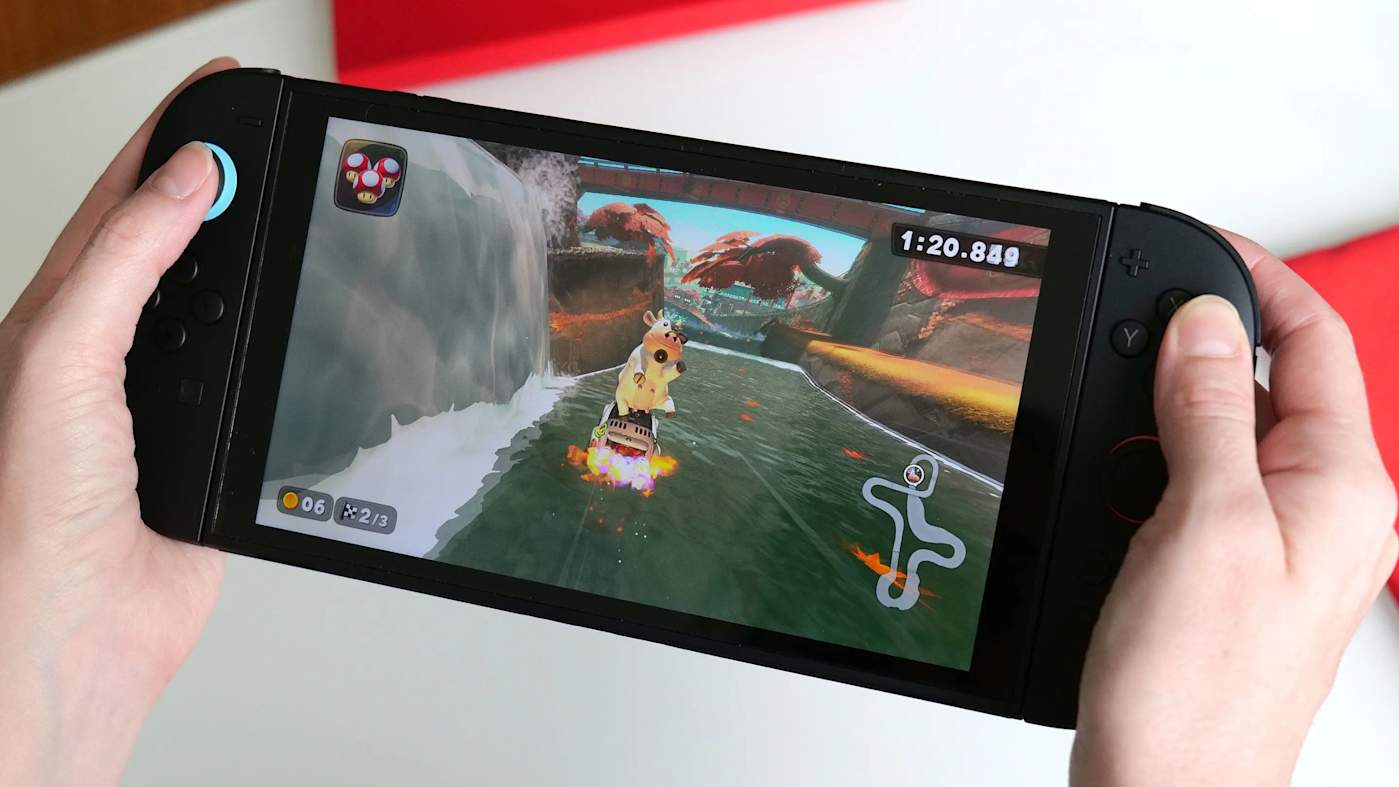
The process of redeeming game codes on the newly launched Nintendo Switch 2 mirrors that of its predecessor, allowing users to seamlessly add titles to their digital libraries. Players can redeem these codes directly through the console’s eShop or via an internet browser, ensuring that purchased games are linked to their Nintendo Account for access across compatible devices.
Getting Started with Code Redemption
Before attempting to redeem a game code, ensure that your Nintendo Switch 2 is connected to the internet. Each code typically consists of sixteen characters, a combination of numbers and letters, which may be found on physical cards, receipts, or confirmation emails from retailers. It is crucial to input these characters precisely, as each code is unique and can only be redeemed once.
Redeeming Codes on the Nintendo Switch 2
The most straightforward method to redeem a game code is through the eShop on the Switch 2 itself. To begin, navigate to the console’s home screen and select the Nintendo eShop icon. Upon opening the eShop, choose the user profile that should receive the content, as each profile maintains a separate purchase history.
Once in the eShop, locate the “Redeem Code” option in the left navigation panel. This will lead you to a screen with an input field and an on-screen keyboard. Carefully enter the sixteen-character code; pay special attention to characters that may look similar. After entering the code, select “OK” to proceed. The system will verify the code and display a confirmation page with the associated game or content. If the code is valid, select “Redeem” to complete the process. The game will then appear on your home screen, and a progress bar will indicate download status.
If the game offers versions for both the original Switch and the Switch 2, the system will prompt you to choose which version to download. In case the game does not start downloading automatically, check the “All Software” view or the “Download Management” screen for the status of your redeemed title.
Redeeming Codes Online
Nintendo also allows users to redeem codes online, which can be particularly convenient if you are away from your console or prefer typing on a full keyboard. Start by opening a browser on a phone, tablet, or computer and navigating to the Nintendo Account login page. Sign in using the account linked to your Switch 2, then proceed to the code redemption page for the eShop.
On this page, enter the code as provided, then select “Next.” A confirmation screen will appear with the game details; select “Redeem” to finalize the action. The content is now associated with your account and can be downloaded later on your console. If your console is in sleep mode with auto downloads enabled, the game may begin downloading automatically. Otherwise, you can check the eShop later to find your queued title in the “Download Management” section.
Understanding Post-Redemption
Once a game is redeemed, it becomes part of your Nintendo Account digital library, available across any devices linked to the same account. If the game is compatible with cloud backup through Nintendo Switch Online, your save data will sync upon installation. Some titles may offer separate versions for the original Switch and Switch 2, allowing you to select your preferred version during download.
If a code fails to redeem, Nintendo advises users to double-check the entered characters for accuracy and confirm that they are using a download code rather than a control number, which may also appear on the card. Additionally, region restrictions apply, so the code must correspond to your Nintendo Account’s eShop region.
The Nintendo Switch 2 continues to use the familiar eShop structure established by its predecessor, facilitating an easy transition for families with multiple consoles. This consistency not only aids in managing existing purchases but also ensures that users can rely on simple steps to activate their codes, regardless of the device used.