








































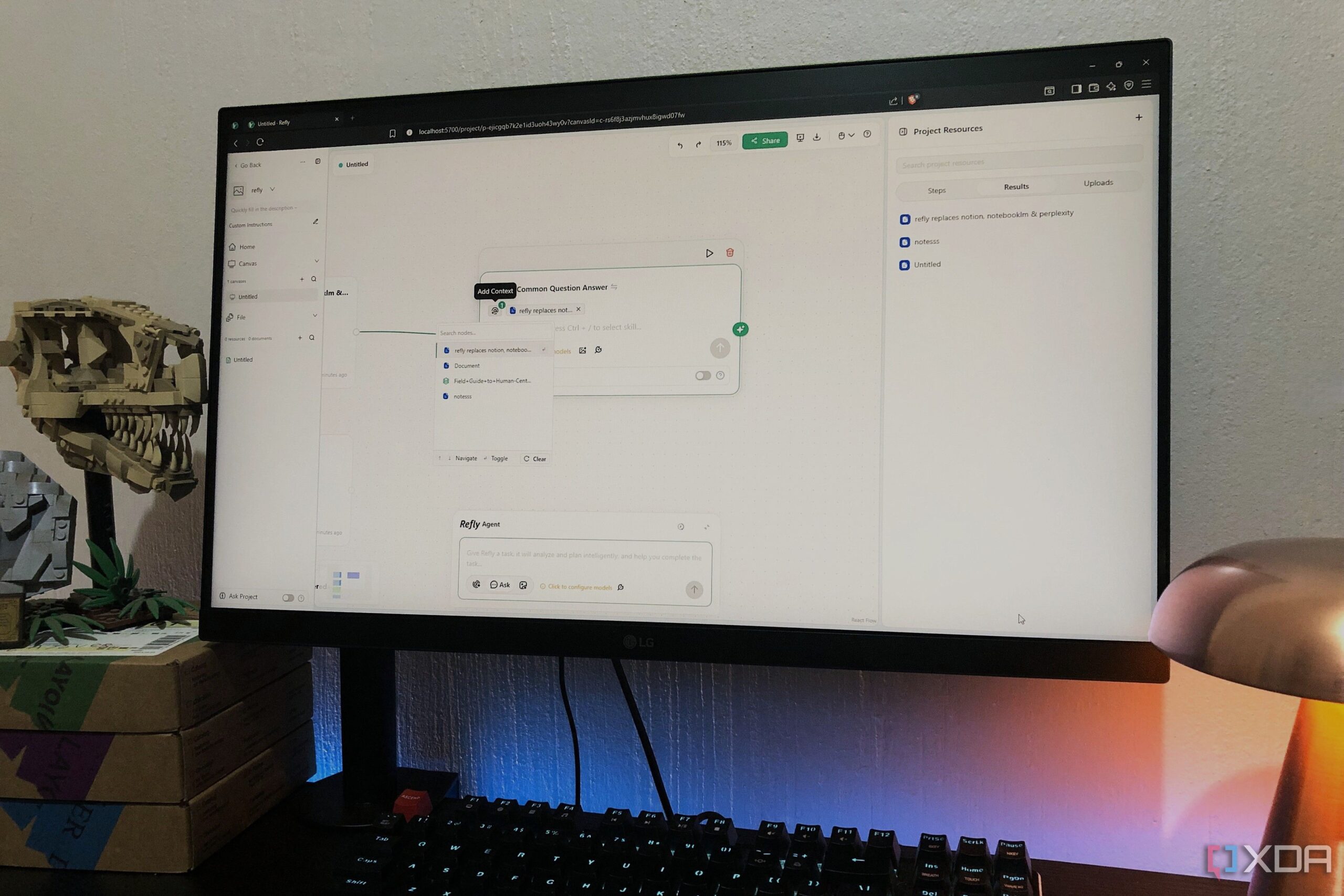
Refly has emerged as a new contender in the productivity application landscape, offering a comprehensive platform that integrates functionalities from popular tools like Notion, NotebookLM, and Perplexity. This open-source, AI-native content creation tool aims to streamline workflows by combining note-taking, content generation, research, and workflow automation into one cohesive environment.
For many users, the challenge with productivity apps has been their tendency to excel in one area while faltering in others. Initial skepticism surrounded Refly’s claim of being a “super app” capable of managing diverse tasks. Nevertheless, those who delve into its features may find it serves as a reasonable alternative to existing tools.
Understanding Refly’s Capabilities
Refly positions itself as a hybrid platform, merging a flexible canvas with advanced AI functionalities. Users can import various types of content, including documents, webpages, and images, to create a dynamic workspace. The app’s multithreaded dialogue interface allows for managing multiple conversation threads simultaneously. This feature enables users to conduct research in one thread while drafting documents in another, significantly enhancing workflow efficiency.
The integration of AI is a standout aspect of Refly. Users can select from various AI-driven tasks, such as web searches or document editing, tailored to specific nodes within the canvas. For example, a user can summarize a PDF in one thread while refining the writing in another, showcasing the app’s versatility. Furthermore, content can be exported in multiple formats, including Markdown and PDF, catering to diverse user needs.
Initial Impressions and User Experience
Upon signing up, users are encouraged to join the Refly community on Discord to receive an access code, a process that may take some time. Users reported that accessing the main features required self-hosting the application, which can be a barrier for those unfamiliar with the technical setup. The self-hosting guide is available in Refly’s official documentation, although users may find the initial setup time-consuming.
Once inside, the interface offers customizable options and a user-friendly homepage featuring an AI prompt box. Users can create new canvases, add notes, and upload documents easily. The note-taking functionality is adequate, providing the usual tools such as headers, lists, and code options. While it may not match Notion’s extensive capabilities, it offers enough to potentially meet the needs of average users.
The ability to create memos from notes, which appear automatically as nodes on the canvas, adds a unique touch. Additionally, real-time web inserts allow users to incorporate scrollable pages into their workflows seamlessly.
Despite initial concerns regarding the time required to access the full functionality, user feedback has generally been positive. Many have noted that Refly successfully integrates the best features of Perplexity, Notion, and NotebookLM, albeit with some limitations. While it may not yet offer the same level of seamlessness as its competitors, its potential as a comprehensive productivity tool is evident.
As productivity tools continue to evolve, Refly presents an intriguing glimpse into the future of all-in-one applications. Its combination of flexibility, AI integration, and user-friendly design positions it as a noteworthy option for those seeking to enhance their workflow.
























