








































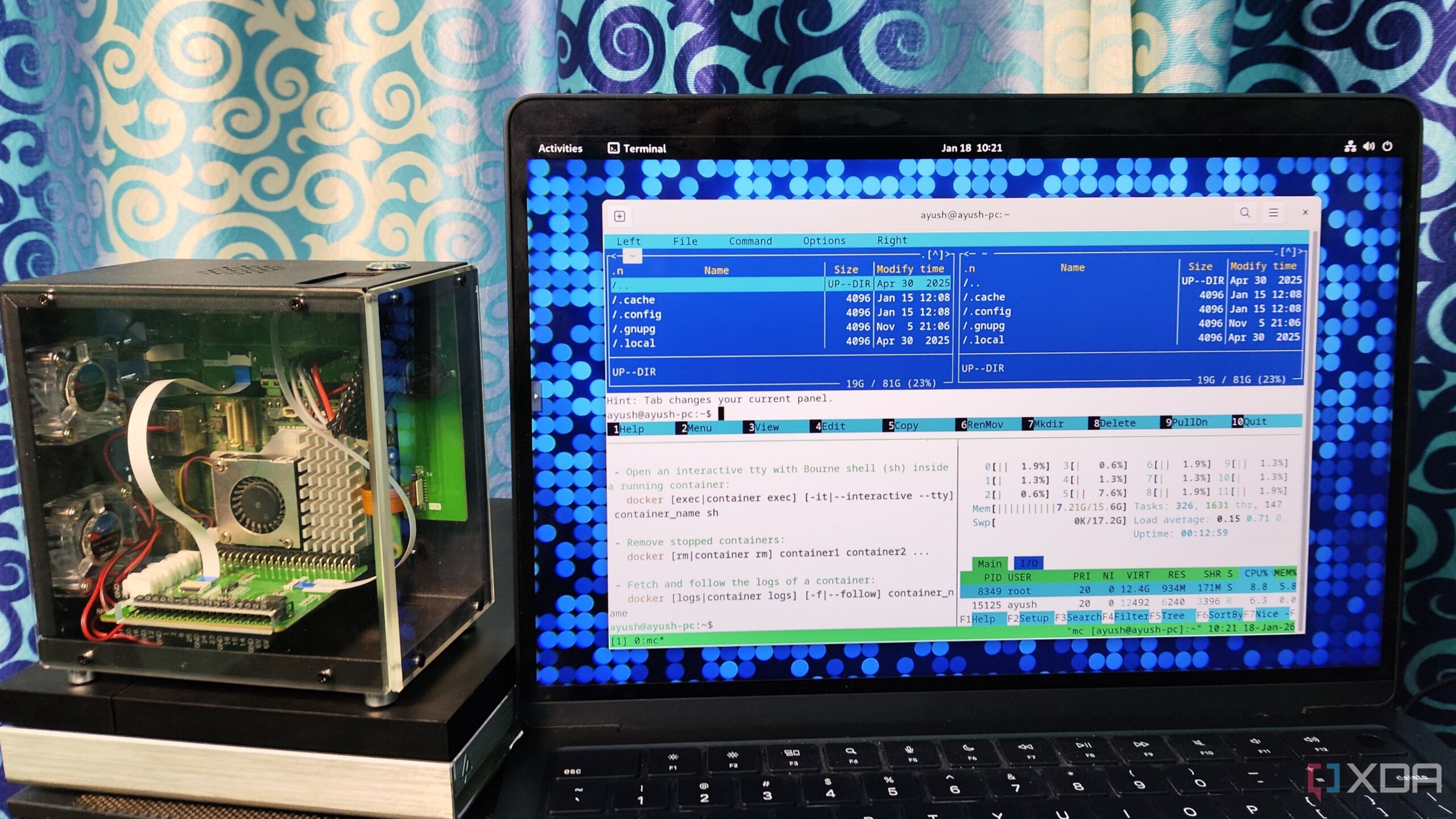
Many Linux users are discovering the productivity benefits of Tmux, a terminal multiplexer that enhances the command line experience. Unlike traditional terminal emulators, Tmux allows users to manage multiple terminal sessions within a single window. This feature is particularly valuable for developers and system administrators who juggle various tasks.
Tmux’s capabilities significantly streamline workflow. For instance, users can create and manage multiple terminal windows and panes, facilitating multitasking. With a simple key combination, such as Ctrl+B followed by C, new windows can be created. Switching between them is just as easy with Ctrl+B P for the previous window and Ctrl+B N for the next. The ability to split windows into vertical and horizontal panes allows for a more organized workspace, making it simpler to copy code snippets, manage configurations, and monitor system resources simultaneously.
Session Persistence: A Game-Changer for Users
One of Tmux’s standout features is its session persistence. This functionality ensures that processes continue running even if the connection is interrupted. For example, users can detach from a session using Ctrl+B D and later reattach to it, resuming tasks without losing any progress. This is especially beneficial for tasks that require long execution times, such as compiling code or installing large packages.
The resilience of Tmux becomes apparent when dealing with remote connections. If a connection is lost while executing commands over SSH, Tmux maintains the session in the background. Once the connection is re-established, users can pick up right where they left off. This feature is particularly useful for those who frequently switch between devices, such as a desktop and a laptop, as it allows seamless transitions between work environments.
Enhancing Tmux with Plugins
For those looking to extend Tmux’s functionality, a variety of community-created plugins are available. The tmux-resurrect plugin enhances session persistence by enabling users to resume work even after a system reboot. Another notable plugin, tmux-continuum, automatically restores windows and panes upon launching Tmux, further optimizing the user experience.
The tmux-vim-navigator plugin is particularly popular among users who wish to integrate Tmux with text editors like Vim. This tool allows for seamless navigation between the terminal multiplexer and the editor, making coding and file management smoother.
In summary, Tmux is proving to be an indispensable tool for Linux users, enhancing productivity through effective session management and powerful features. As more individuals transition to terminal-based work environments, the adoption of Tmux is likely to grow, solidifying its place as a must-have application for anyone looking to optimize their command line experience.
























