







































Running a home server can quickly evolve from a simple project to an overwhelming array of services and dependencies. Many enthusiasts find themselves grappling with issues that disrupt their setups. Recently, one individual undertook a complete overhaul of their home server using Docker, a platform that has significantly enhanced their system’s reliability and ease of use.
The transition to Docker has transformed how this user manages various applications. Previously, running media services such as Plex and Jellyfin directly on the host system led to numerous complications, particularly during updates that would often break functionality. The move to containerization, however, has streamlined the management process.
Media Services Made Simple
By migrating media applications to Docker, the user experienced a notable improvement in quality of life. Each application now operates in isolation, with configurations stored in a single folder. This setup not only simplifies upgrades—allowing for a straightforward image pull and restart—but also facilitates quick rollbacks if an update introduces issues. This level of flexibility has proven crucial, particularly when using Docker Compose, which allows for the definition of the entire media stack in a single file, clearly outlining network ports, volumes, and dependencies.
As a result, this user has found that they rarely need to engage with their media stack anymore, resulting in a more stable and manageable system.
Enhancing Home Automation and Utilities
For those utilizing Home Assistant or similar self-hosted automation services, Docker offers a solution to the common challenges posed by integration and dependency management. This user’s experience with Home Assistant was fraught with instability, as updates often disrupted functionality due to reliance on various libraries and specific versions of software.
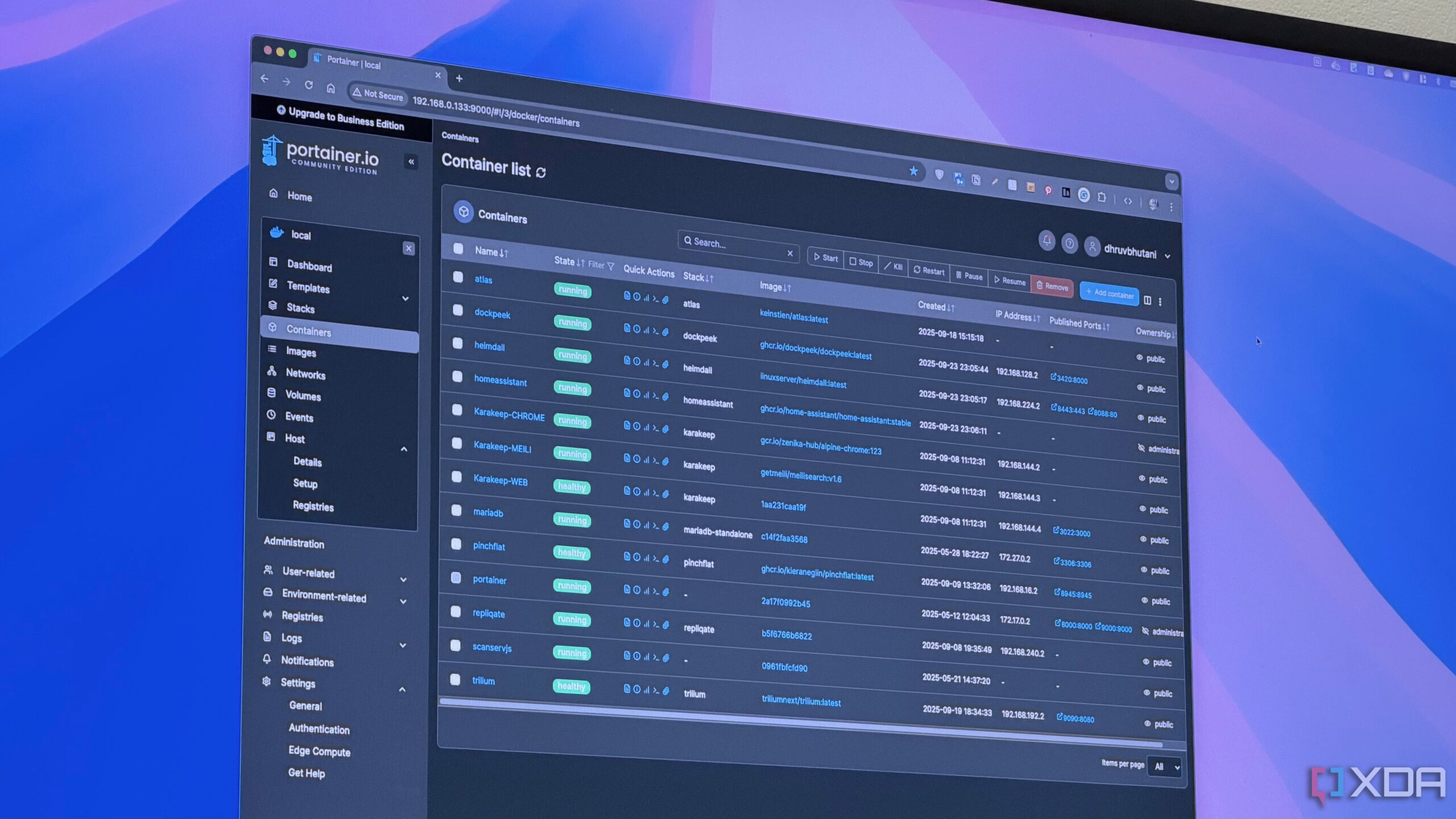
Docker’s separation of environments has made their system much more robust. Now, updates are no longer a gamble; instead, the user can test new versions or revert to older iterations effortlessly, all while preserving configuration settings. Other smaller utilities, such as Vaultwarden, Uptime Kuma, and Paperless-NGX, have also been successfully integrated into the Docker framework, benefiting from the same ease of management and stability.
The ability to scale operations is another significant advantage. Should the user decide to migrate Home Assistant to a more powerful machine, the process is simply a matter of transferring the configuration folder and Docker Compose file, pulling the required images, and the system is operational again.
Streamlining Network Monitoring and Backups
In addition to media and automation services, the user has transitioned network-related applications to Docker as well. Tools like Pi-Hole, AdGuard Home, Grafana, and Prometheus are well-suited for containerization, requiring minimal customization. Running these applications in Docker simplifies routine tasks such as upgrades and backups.
Previously, the user relied on a mix of cron jobs and scripts for backups, which often caused concern regarding reliability. Now, they employ dedicated backup containers with clearly defined jobs in Docker Compose, enhancing both ease of use and security. Docker’s architecture allows for restricted access to certain services, minimizing potential damage if issues arise.
Migrating to Docker may require an initial investment of time and planning, but the long-term benefits are significant. For those managing home labs that feel increasingly chaotic, adopting Docker can lead to a more organized and efficient setup. Starting with one container at a time, especially within a media stack, can help users become familiar with Docker’s capabilities.
Ultimately, this user’s experience demonstrates that a well-executed transition to Docker can lead to a more stable and manageable home server environment, allowing for quicker recovery from problems and less time spent on debugging.