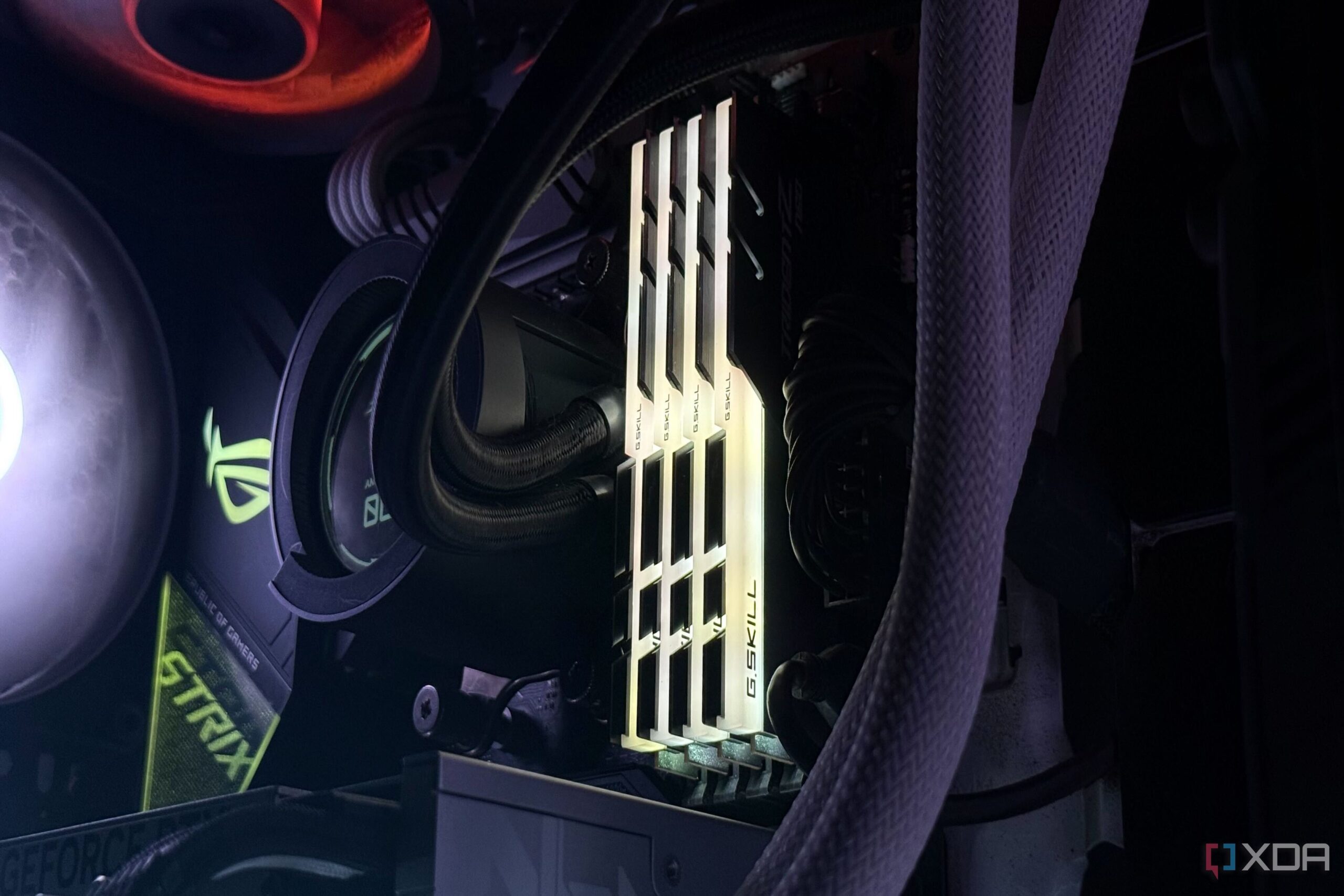
URGENT UPDATE: Many PC users are discovering that their RAM speeds are running significantly slower than advertised, and this could impact performance. As of today, tech experts confirm that this discrepancy is common and expected, as most motherboards default to JEDEC speeds upon booting.
If you’ve recently built your PC and noticed a RAM speed of only 3200MT/s instead of the advertised 6400MT/s, you’re not alone. This issue is emerging as users explore their system settings, leading to confusion and concern about hardware functionality. However, experts clarify that this is not a sign of faulty components—it’s a standard procedure for ensuring compatibility and stability.
When you first power on your PC, the motherboard initializes the memory, defaulting to conservative JEDEC speeds to minimize the risk of system instability. This is crucial as the CPU’s memory controller may not reliably handle the higher speeds without encountering issues. The motherboard operates on a “better safe than sorry” approach, using these baseline speeds to guarantee a successful boot process.
Understanding this behavior is essential for PC builders. The speeds printed on RAM packaging, such as XMP or EXPO profiles, are essentially overclocked settings that require manual activation in the BIOS. Users must enable these profiles to unlock the advertised performance, leading to improved system responsiveness and smoother gaming experiences.
“Without enabling XMP or EXPO, users are leaving performance on the table,” tech analysts state. They emphasize that running RAM at higher speeds can significantly enhance gaming and multitasking, offering a tangible upgrade in user experience.
However, experts caution that pushing your RAM to its limits can expose weaknesses in your hardware configuration. High frequencies increase stress on the CPU and motherboard, potentially causing instability manifested as freezes or crashes. As one user noted, their DDR4-3600MT/s RAM worked flawlessly with a Ryzen 9 5900X, but upon upgrading to a Ryzen 5800X3D, stability issues arose, forcing them to dial back speeds to 3200MT/s.
The takeaway for PC enthusiasts is clear: while the allure of maximum performance is tempting, system stability should be the priority. The advertised RAM speeds assume a perfect scenario with high-end components, but real-world configurations can vary widely.
With more users engaging in PC building and upgrades, understanding how to manage RAM speeds effectively is crucial. This knowledge can prevent frustration and enhance overall performance. As technology continues to evolve, staying informed about hardware limitations and capabilities remains essential for all PC users.
For anyone experiencing slower RAM speeds, check your BIOS settings today to ensure you’re getting the performance you paid for. The difference could transform your computing experience, making it a critical step for every new build.
Stay tuned for more updates as this story develops.