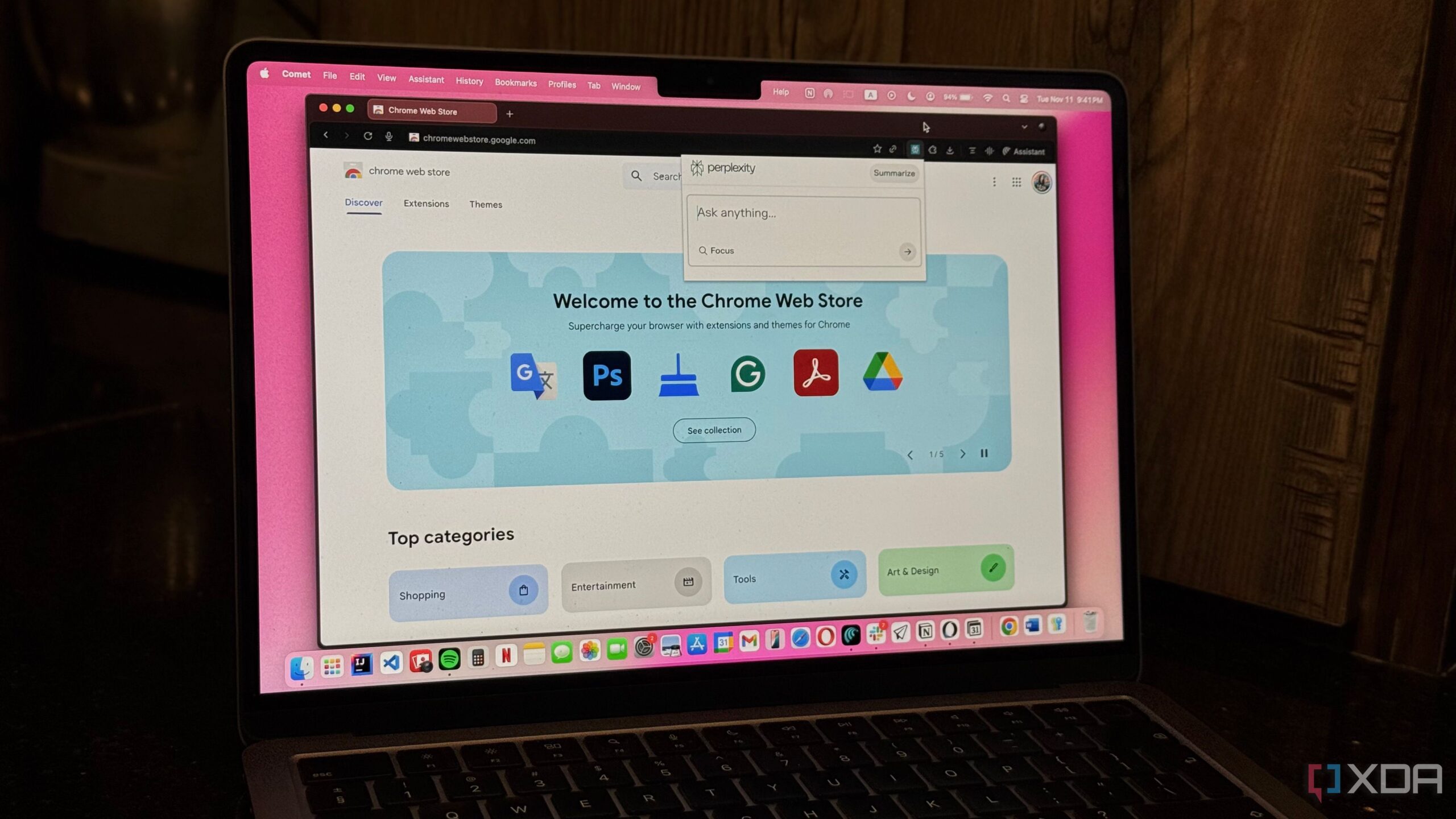
Many users are realizing the significant impact of browser extensions on their computer performance and security. As individuals become increasingly aware of the limitations of their workflow, a growing number are opting to shift away from Chrome extensions in favor of more efficient solutions.
The problem with Chrome extensions lies in their memory usage and security vulnerabilities. Users often find that even with numerous tabs closed, Chrome continues to consume substantial amounts of RAM—sometimes exceeding 12GB. This inefficiency is largely due to the background processes of multiple extensions, which run even when the browser is not actively in use.
Security Concerns with Extensions
One of the most pressing issues associated with browser extensions is the potential security risk. Many extensions require access to “read and change all your data on the websites you visit,” which raises legitimate privacy concerns. Users often overlook these permissions during installation. This oversight can result in extensions accessing sensitive information and potentially selling it to third parties.
Additionally, there is a trend where reputable extensions are acquired by less scrupulous companies. These transitions can lead to previously trustworthy tools morphing into adware or spyware, jeopardizing user data. To combat these issues, a shift towards native applications—programs installed directly on the computer—offers a more secure alternative.
Exploring Native Applications
Native applications provide functionality without the overhead of a browser. For instance, users looking for a password manager can choose applications like Bitwarden or One Password, both of which offer system-wide autofill features. For ad-blocking needs, uBlock Origin Lite serves as a native option with similar capabilities. Those accustomed to using Grammarly can also transition to its desktop application, or explore alternatives like LanguageTool.
By utilizing native apps, users can significantly reduce memory consumption and eliminate the potential for third-party scripts to run in the background. This shift not only enhances performance but also fortifies privacy and security.
Another effective strategy is utilizing Chrome’s “Install Page as App” feature. This allows users to turn frequently visited websites, such as Todoist, Notion, or Spotify, into standalone desktop applications. This method opens the site in a dedicated window, free from browser clutter, and prevents extensions from running unnecessarily.
The result is a streamlined user experience with fewer distractions and enhanced performance. Users often report that their browsers feel noticeably faster and more responsive after removing or minimizing extensions.
The Benefits of a Minimalist Approach
Adopting a minimalist approach to browser use can transform a user’s workflow. By auditing existing extensions, individuals can identify and remove those that have not been used in months. Even if users are reluctant to delete extensions, transitioning to native applications or installing web pages as apps can yield substantial benefits.
Many users have experienced improvements in browser speed, increased available memory, and enhanced battery life—often by as much as 10-15% on laptops. Additionally, users report fewer crashes and unresponsive pages, resulting from the reduced load on the browser’s resources.
Having utilized various browser extensions for over a decade, many users express relief and satisfaction after making the switch. Streamlining digital workflows not only optimizes performance but also enhances overall productivity. As this trend continues to grow, individuals are encouraged to rethink their reliance on browser extensions and consider more efficient alternatives.