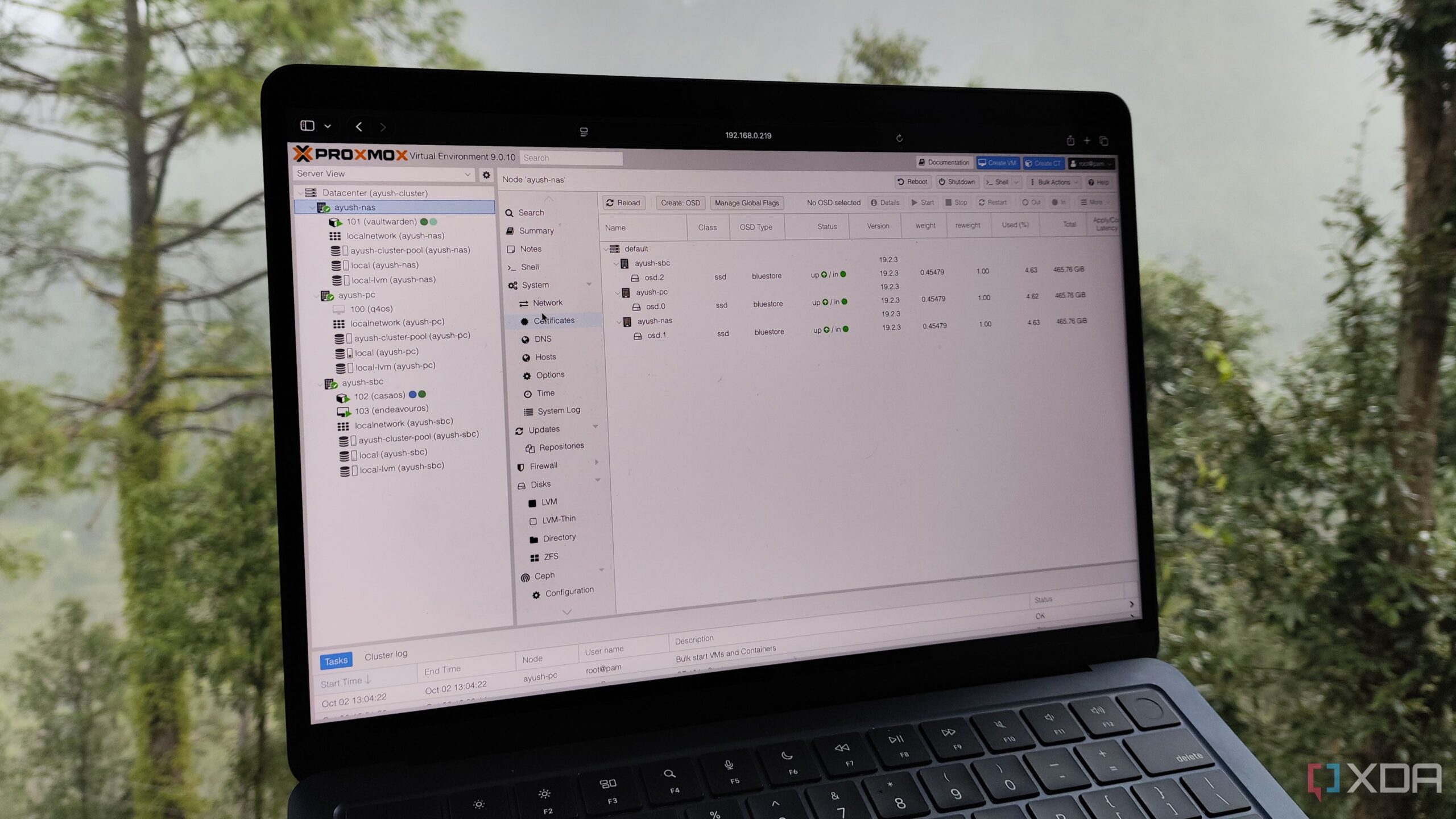
Proxmox Virtual Environment (PVE) has emerged as a powerful platform for running virtual machines and Linux Containers (LXCs), making it a popular choice for developers and tech enthusiasts. Users leverage PVE not only for experimentation and DevOps training but also for self-hosting applications. One particularly valuable application is the Tailscale subnet router, which enhances network connectivity for multiple home services.
Proxmox excels in various use cases, including DevOps training and remote development projects. Among its features, the support for LXCs stands out, providing users with essential templates for streamlined deployment. One notable configuration involves the Tailscale subnet router, which facilitates a secure connection for devices operating behind Carrier-Grade NAT (CGNAT). This is particularly advantageous for users looking to expose home services to remote devices without compromising security.
Tailscale is a mesh VPN that simplifies networking challenges, especially for those with multiple devices. Users often encounter difficulties when trying to connect various services in a home lab environment. With Tailscale’s free plan supporting up to 100 devices, users can manage a vast array of systems, making it an ideal solution for home lab setups. The deployment of a Tailscale subnet router enhances this process by acting as a secure gateway to all services on a local area network (LAN).
Utilizing a Tailscale subnet router on a Proxmox setup involves a few configurations. Users can either install Tailscale directly on their PVE node or opt for an LXC for better resource management. Running the router as an LXC is beneficial for those who wish to maintain a light server footprint, ensuring that essential services like Vaultwarden and Trilium Notes operate smoothly alongside the Tailscale setup.
Choosing the right base image is crucial for stability. For deploying the subnet router, the TurnKey Debian template serves as an excellent foundation due to its reliability. Users typically prefer an unprivileged container for enhanced security, as it limits access to critical system components. After initializing the LXC and allocating necessary resources, the configuration process begins.
To enable Tailscale functionality within the LXC, users must modify the configuration file to allow access to the /dev/net/tun device, which is essential for VPN operation. Following this, system updates and Tailscale installation can proceed, establishing a functional subnet router.
The configuration commands include enabling IP forwarding and advertising routes for the local network. This setup allows seamless access to services from remote devices. For example, a user could connect to a Vaultwarden LXC or a Windows 11 virtual machine from a laptop while away from home, enhancing convenience and flexibility.
In scenarios where high availability is crucial, a second Tailscale subnet router can be deployed on a different machine. This redundancy ensures continued access to home lab resources, even if the primary node encounters issues. By adding both routers to the same Tailnet, users can maintain a reliable connection without interruption.
Ultimately, the combination of Proxmox and Tailscale provides a robust solution for home lab enthusiasts looking to optimize their networking capabilities. The flexibility to deploy a subnet router using LXCs not only conserves resources but also enhances security and accessibility across multiple devices. As technology continues to evolve, the integration of these tools will likely play a significant role in shaping the future of home networking.