








































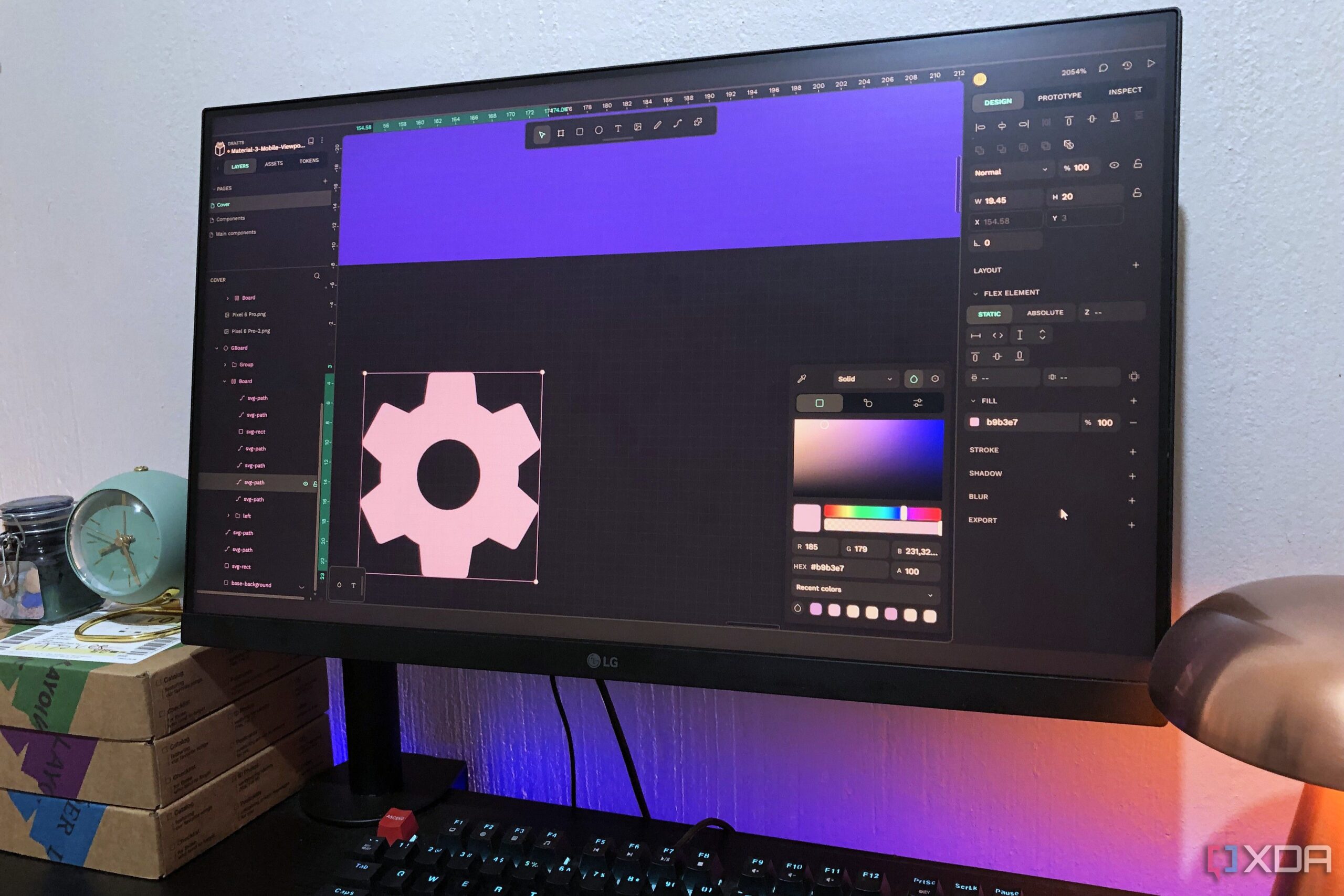
Many designers are reevaluating their software choices as concerns over subscription models and data privacy grow. One notable case is a designer who transitioned from Adobe to the open-source tool, Penpot, citing its self-hosted nature and commitment to open formats as key advantages. This shift reflects a broader movement among creatives seeking more control over their tools and data.
What is Penpot?
Penpot is an open-source design and prototyping tool specifically tailored for interface and web design. It operates entirely within a web browser, allowing users to self-host if desired. By utilizing open standards such as SVG as its native format, Penpot aims to eliminate issues commonly associated with proprietary software, including subscription fees and vendor lock-in.
Primarily targeting product and UX designers, Penpot offers a versatile workspace that can replace several Adobe tools. For instance, it effectively fulfills the functions of Adobe XD, making it suitable for UI and UX projects. It also serves as an alternative to Adobe Illustrator for vector-based tasks, such as creating icons, logos, and other UI elements.
While Penpot does not directly replace Adobe Photoshop for raster photo editing, it excels in creating mockups, layouts, and compositions for various design projects. The platform includes numerous animation features that enhance prototype presentations, making it a comprehensive solution for daily design needs.
Cost and Hosting Options
Penpot is free to use, with additional paid tiers available that offer perks such as increased cloud storage, more autosave versions, and enhanced support. For serious designers or larger teams, opting for a paid version may be beneficial. However, hobbyists and solo creators can effectively utilize the free version without limitations.
One unique feature of Penpot is its self-hosting capability. Users have the option to host the application themselves, which can enhance data security and control. Many users start with managed hosting services like Elistio for ease but can transition to self-hosting through tools like Docker once they gain familiarity.
Template Availability and Community Engagement
A significant factor in the appeal of any graphics software is the availability of templates. Penpot excels in this area, offering a robust collection of templates and UI kits accessible on its website. Users can find everything from icon sets and UX kits to complete app and web designs.
The active community surrounding Penpot contributes to its extensive template library, as users upload their creations for others to utilize. This collaborative environment fosters innovation and allows for constant updates to the resources available. The Penpot website also provides comprehensive guides and tutorials, ensuring that new users can quickly adapt to the platform.
Features and Functionality
Penpot’s toolkit is designed with the needs of product designers in mind. It incorporates non-destructive layer-based vector editing, allowing for infinite scalability and customization of designs. Essential features like shapes, text, and image inserts enable users to create a variety of design elements efficiently.
The platform supports advanced alignment tools, fills, strokes, and other effects that enhance design flexibility. Notably, users can create reusable components, which simplifies the design process by allowing for global changes without disrupting layouts. The inclusion of auto-layout features ensures that elements automatically adjust based on content, streamlining the design workflow further.
Prototyping capabilities are integrated into Penpot, allowing users to link frames, define interactions, and animate designs easily. This functionality aids in testing user flows and facilitates collaboration with developers, who can inspect SVG-based designs for measurements and properties directly.
While Penpot may not cover every aspect of Adobe’s suite, it fulfills a substantial portion of the design tasks that many professionals engage in daily. The platform’s versatility and supportive community make it an attractive alternative, particularly for those concerned with data privacy and software accessibility.
In conclusion, the transition to Penpot exemplifies a growing trend among designers seeking more control over their tools. With a focus on open-source principles and a commitment to user-friendly design, Penpot offers a compelling choice for those looking to break free from traditional software limitations.
























