























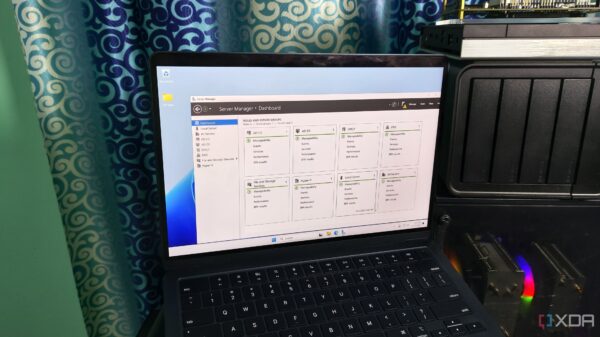











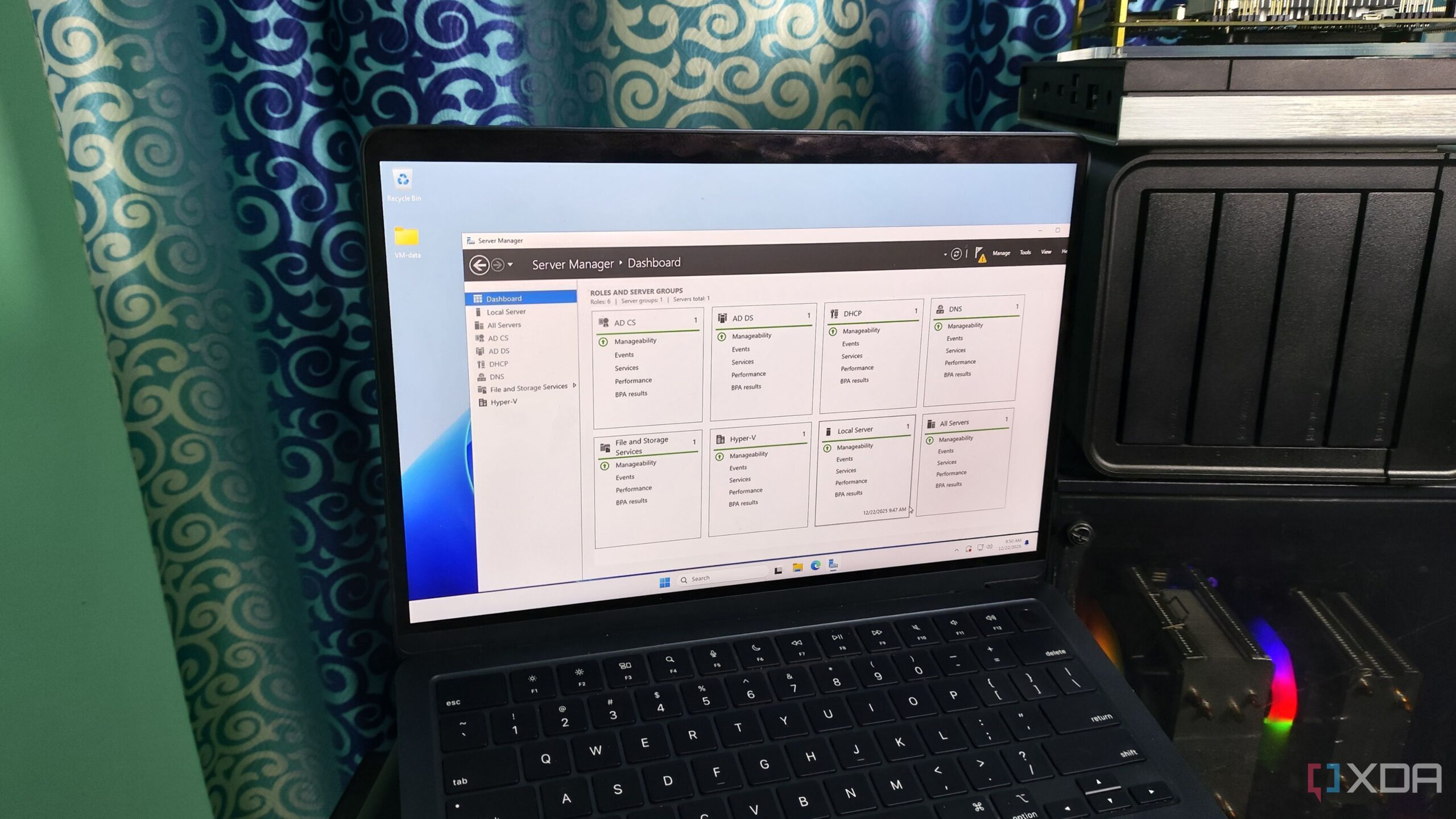
Windows Server 2025 is emerging as a compelling option for home lab enthusiasts, traditionally overshadowed by its reputation as an enterprise operating system primarily used in data centers. Many tech enthusiasts are now discovering its potential to enhance home setups that often mirror small business environments. The features of Windows Server make it suitable for a range of tasks, from running multiple virtual machines to managing internal networks and ensuring service reliability.
Home Labs Evolving Beyond Hobbyist Setups
Today’s home labs are increasingly sophisticated. They often require functionalities such as centralized authentication, internal DNS management, and consistent uptime for services. This transformation means that home labs are no longer just experimental spaces; they resemble the infrastructure of small enterprises. As setups become more complex, the need for a robust operating system like Windows Server becomes evident.
The technical goals of a home lab align closely with those of small enterprises. Both environments prioritize reliability, predictable performance, and centralized control. Enthusiasts frequently employ hypervisors, application servers, and various internal services. They also expect minimal disruptions during updates and power outages, which aligns perfectly with the strengths of Windows Server.
Seamless Integration and Functionality
One of the standout features of Windows Server is its ability to minimize the need for disparate systems. The integrated services for identity management, permissions, virtualization, and backup are designed to work cohesively. For instance, Hyper-V, Windows Server’s virtualization platform, offers a streamlined experience for home lab workloads, making it easier to manage storage and networking.
Using Windows Server does not require abandoning other operating systems. Many home labs successfully integrate Linux for lightweight services or containers while utilizing Windows for specific tasks that demand tight integration. This flexibility allows users to leverage the strengths of both platforms effectively.
Windows Server has been around for several years, which means many users can find existing solutions and workarounds for common challenges. This established presence in the market adds to its appeal for those looking to build sophisticated home lab environments.
Despite its advantages, the cost of Windows Server licensing can be a deterrent for casual users. For individuals running minimal services or experimenting casually, the price may outweigh the benefits. In contrast, free alternatives are widely available, which can appeal to budget-conscious enthusiasts.
Learning and Skill Development
For many, home labs represent an opportunity to learn and hone valuable skills. Windows Server serves as an excellent platform for those aspiring to become system administrators or deepen their expertise in the Microsoft ecosystem. Its structured environment allows users to explore and experiment with features that may not be present in simpler solutions.
While it may be overkill for some, the comprehensive features of Windows Server can significantly reduce the need to turn to alternative operating systems or containers for various solutions. For those managing multiple Windows devices that require identity services, investing in Windows Server may prove worthwhile.
In conclusion, Windows Server 2025 should no longer be dismissed as merely an enterprise solution. Its capabilities and features make it a legitimate contender for home lab setups, offering both advantages and challenges for tech enthusiasts. As home labs continue to evolve, Windows Server stands out as a robust option for those seeking reliable and integrated solutions.