





































UPDATE: The tech community is buzzing as experts warn that improper PC upgrades could lead to severe performance issues. From faulty drivers to BIOS misconfigurations, making the wrong move while upgrading your PC can leave users frustrated and underwhelmed.
Just announced: A series of common mistakes are endangering the potential of new components, threatening to transform a routine upgrade into a costly error. As gamers and tech enthusiasts gear up for the latest hardware releases, it’s critical to address these potential pitfalls NOW.
Experts reveal that failing to update the BIOS can prevent new CPUs from booting properly. For instance, when upgrading from the Ryzen 5 5600 to the Ryzen 7 5800X, an outdated BIOS can lead to instability and underperformance. Modern motherboards now feature a “BIOS flashback” option allowing updates without a compatible CPU, yet many users remain unaware.
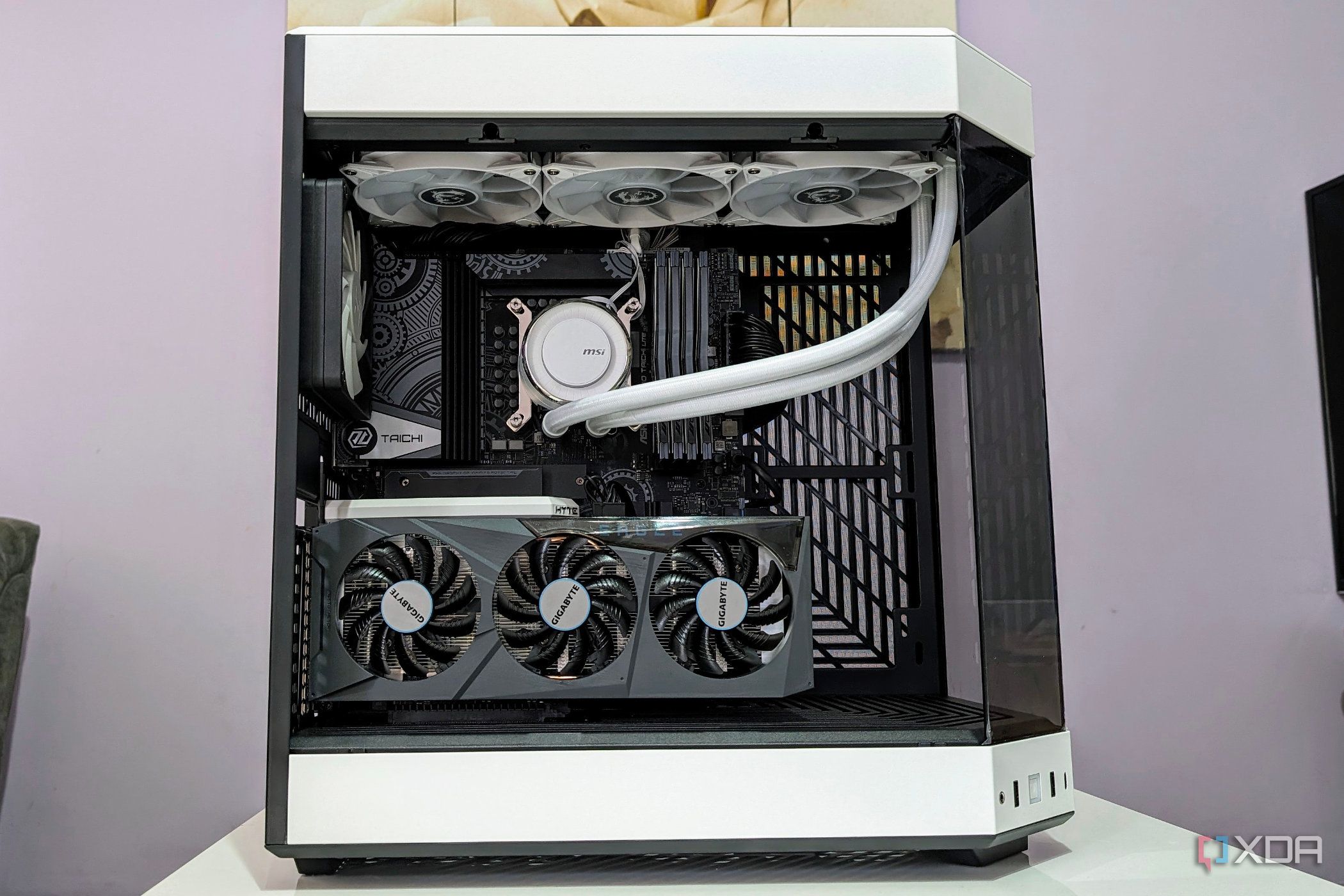
Another common blunder involves mixing thermal paste during CPU cooler installation. Experts caution against this practice, warning that it can create air bubbles and uneven contact, drastically reducing thermal efficiency and cooling performance.
Memory upgrades can also go awry. Many users expect advertised speeds to function automatically; however, RAM profiles often require manual adjustments. Mixing different RAM kits, even with similar specifications, can lead to significant stability issues, as the memory controller defaults to the slowest performing stick.
When swapping GPUs, it is vital to completely uninstall previous drivers using a trusted utility like Display Driver Uninstaller (DDU). Failure to do so may result in conflicts that cause low frame rates, crashes, and other frustrating gameplay experiences.
Additionally, users upgrading their NVMe drives must ensure they are using the right PCIe slots. Mismatching generations can cap speeds, while occupying certain slots might disable other essential connections like SATA or USB ports.
Lastly, when upgrading power supplies (PSUs), it’s crucial to use the original cables that come with the new unit. Mismatched pin layouts can lead to disastrous consequences, including components failing to power on or, in severe cases, frying the motherboard.
As the tech world braces for new hardware advancements, users are urged to double-check their upgrade processes. A simple online search for installation tips can save time and money while ensuring each upgrade delivers its full potential.
Stay tuned for further updates on hardware enhancements and tips to maximize your PC performance. Don’t let a simple mistake derail your gaming experience! Share this urgent news with fellow tech enthusiasts to keep them informed.