








































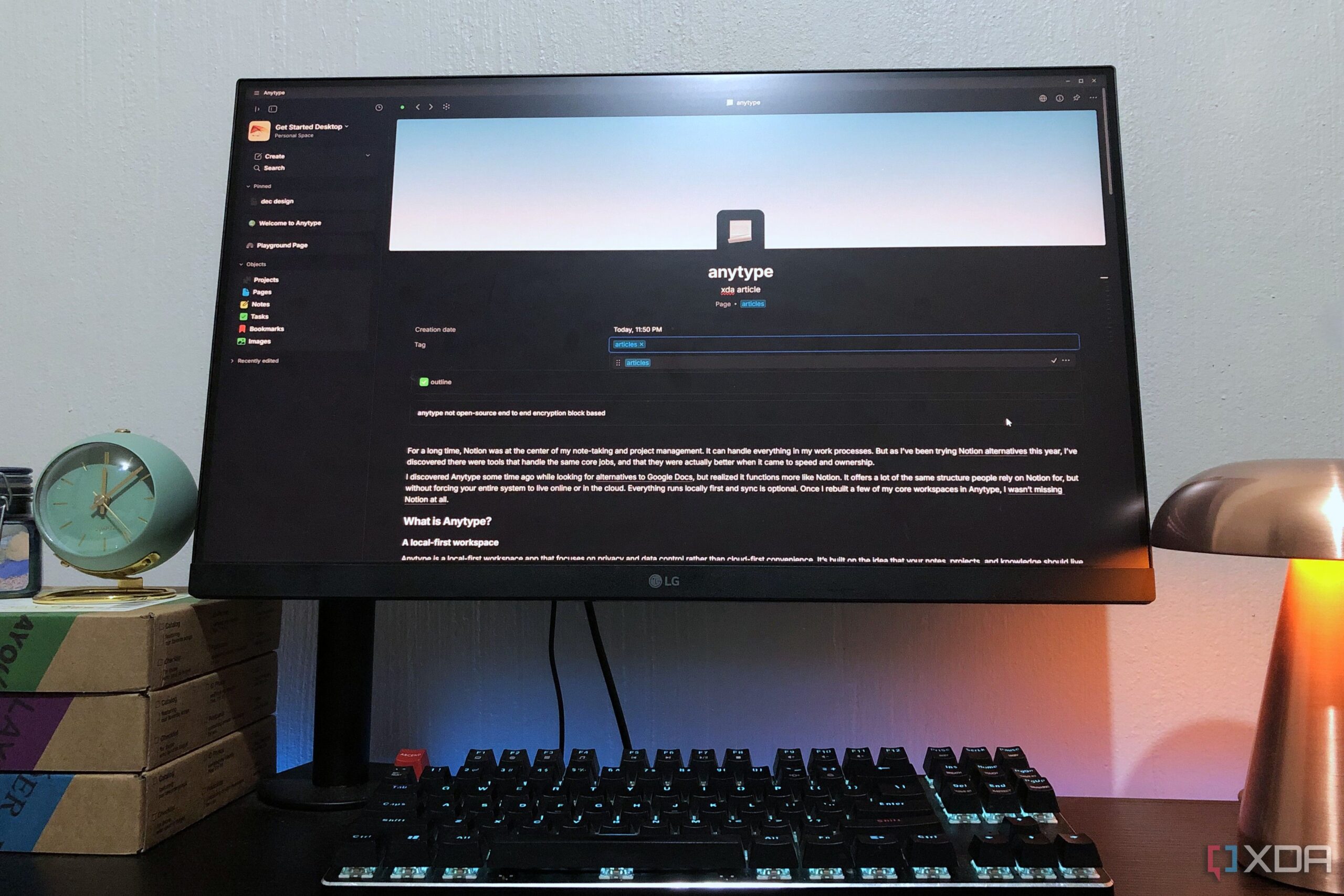
Users are increasingly seeking alternatives to popular digital tools, and Anytype has emerged as a notable option for those looking to move away from Notion. This local-first workspace application prioritizes privacy and data control, allowing users to manage their notes and projects offline without the reliance on cloud storage.
For years, Notion served as a central hub for many in note-taking and project management. Although it offers a comprehensive suite of features, users have begun to explore alternatives that provide similar functionalities with improved speed and ownership. The shift towards Anytype highlights a growing trend of prioritizing local storage and data privacy in a digital landscape often dominated by cloud-based services.
Understanding Anytype’s Local-First Approach
Anytype distinguishes itself by focusing on local storage, meaning users can access their work without needing a constant internet connection. This design choice is particularly beneficial for those who require reliable access to their files regardless of their location. The application treats synchronization as optional rather than mandatory, ensuring that users have complete control over their data.
End-to-end encryption is another critical feature, as it guarantees that files remain unreadable to anyone except the user. This level of security appeals to a variety of professionals, including researchers, designers, and students, who handle sensitive information and long-term projects.
Key Features and Functionalities
The application employs a unique folder system composed of “objects,” which are categorized into different types such as Pages, Images, Tasks, Notes, and Bookmarks. Users can create custom objects tailored to their needs, allowing for a high degree of organization and flexibility.
Anytype boasts a broad range of formatting options, surpassing those available in Notion. Users can utilize standard text settings alongside a variety of embeds from platforms like Facebook, Telegram, and Figma. This versatility is particularly advantageous for building comprehensive research documents and effectively highlighting important information.
The application’s page layout and customization capabilities offer users the ability to select cover images, icons, and descriptions, making each page visually distinctive. Furthermore, through the slash command feature, users can easily insert various properties, such as creation dates and backlinks, which helps streamline information management.
Anytype’s block-based editor allows for an intuitive editing experience. Each line of text is treated as a draggable and linkable block, enabling users to efficiently organize their documents. Additionally, the application features an interactive graph view that visually represents the connections between various pages and objects, providing a holistic overview of the user’s work.
After exploring multiple alternatives to Notion, it is evident that Anytype stands out not only for its functionality but also for its commitment to data privacy. Users can enjoy a comprehensive array of features without compromising on security, making it an appealing choice for those in search of a more controlled digital workspace.
As the demand for local-first tools continues to rise, Anytype is positioned to attract a diverse audience seeking both efficiency and robust data protection.
























